

If you’re a fan of extraction shooters, parody titles that return us to the familiar with a fresh new twist, and/or ducks in general, you’ve likely already heard about Escape from Duckov, an Escape from Tarkov parody game that puts you into the webbed feet of a customized duck.
With plenty of weaponry you’ll need to learn to use, gear to equip, materials to find, upgrades to make, and cash to earn, though, we’ve got a handful of helpful tips to help better ease you into the harrowing, storm-riddled world of Escape from Duckov and improve your chances of survival.
Dying Often Is Expected, And Okay
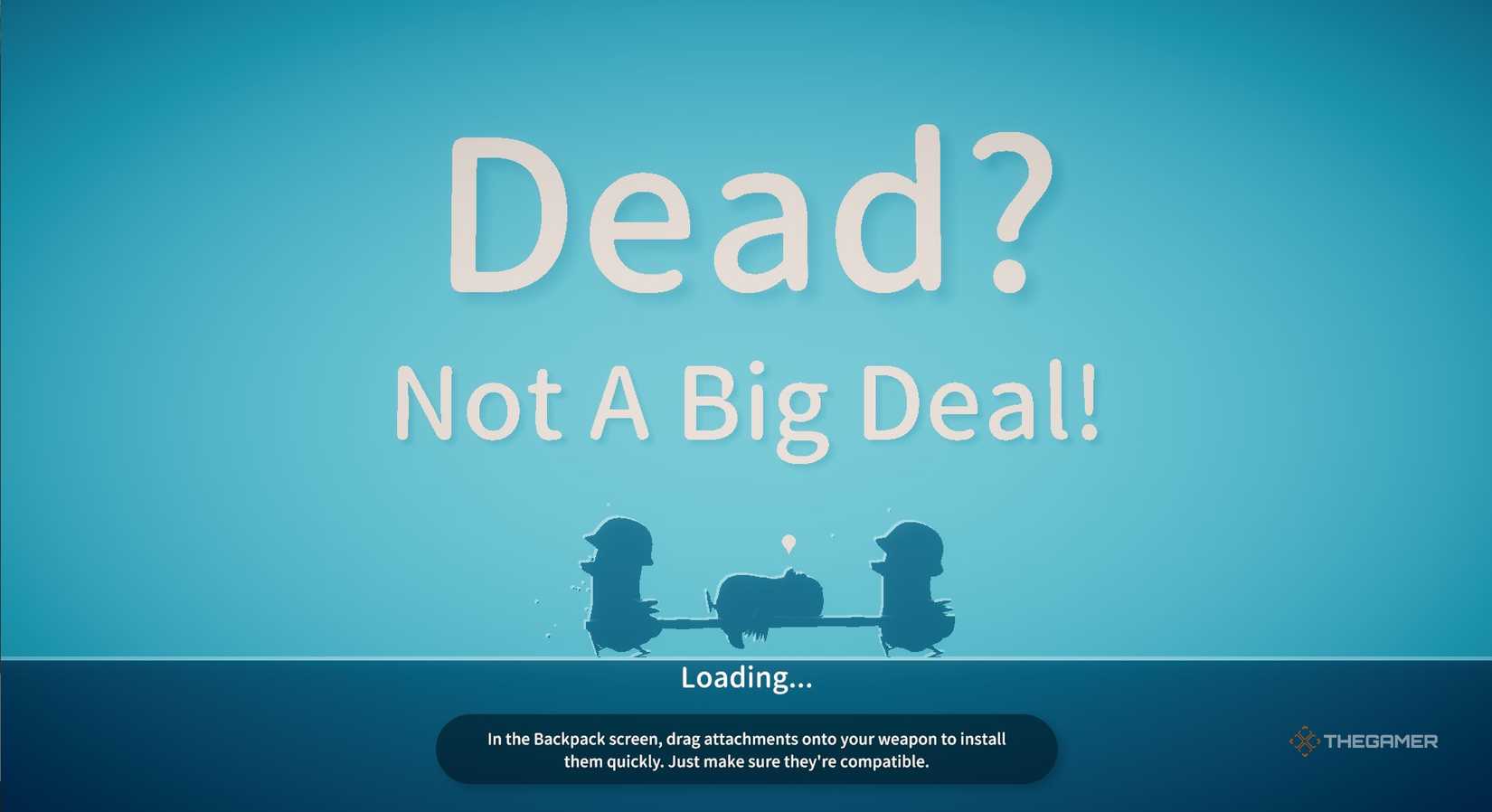
It’s a pretty common hallmark in extraction shooter titles, with so much heavy gunfire coming your way around almost every corner, that you’ll die a lot when you’re playing Escape from Duckov. Just because you’re an adorable cartoon duck doesn’t make the expanse of untamed lands out beyond your shelter doors any less terrifying!
You’ll need to consistently be on the lookout for gear with better stats than what your duck is currently wearing, with new equipment available as you progress through the game and continue peeling back new areas of the oversized map.
The tutorial gives you some armor, but you’ll find stuff with better stats almost immediately.
The tougher an opponent is to kill with your current gear load out, the better their amor is likely to be, but loot every body you see on the ground while you’re out exploring. Even if you only disassemble their weapons for bullets before moving on, everyone’s probably got something you can use on them.
Perhaps the most important corpse, though, is your own from previous runs through the world if you’d like to get back the items you were carrying when you died.
As an extraction shooter, Escape from Duckov tasks you with gathering all kinds of gear and materials, so return to the scene of your death and be sure to reclaim anything you truly needed for the mission. You’ll see a small grave marking where you fell on your last life, so dig yourself up and reclaim your best gear.
Obstacles Are Your Friends

Heavy gunfire is pretty much always the name of the game in a title like Escape from Duckov, so you’ll need to get a firm grasp on how to load, aim, and fire an array of powerful weapons at enemies to keep yourself safe on your jaunts back to the surface. Anytime you leave the bunker, be sure you’ve got some firepower on you, since you’re in for a fight as soon as you get outside.
Thankfully, though, it’s not all that common to encounter enemies in large, open areas, especially with so much vegetation left in the overworld. You’ll find obstacles like trees, sandbags, walls, and more that provide all kinds of cover when you’re in a firefight. Not only does it make you harder to hit, but it’s a good place to stop and reload if need be, too.
If a rival duck can’t hit you where you’re hiding, they’ll likely try to move and clear a visible path to you, which might even give you the opening you need to get that final shot off on them.
Between smart use of the obstacles along the pathways through the overworld and precision aiming with the right mouse button, you’ll be able to strafe cautiously into the line of fire and shoot a precision blow to the enemies with ease.
Customize The Difficulty

One of the very first decisions you’ll make in Escape from Duckov is which difficulty you’d like to play on, with several settings available to help tailor the game to your experience level with extraction shooters. Novice players may want to keep on the lower end of things until they get used to the gameplay, but veterans can dive right into some of the more challenging game modes right away.
You can always opt to change your difficulty in your bunker, with your changes taking effect as soon as you save. Having too hard a time out there and keep dying a little too often? Lower the difficulty a bit until you’re more comfortable with the game and its controls. The firefighting a little too easy for your liking? Crank up the difficulty and take additional damage for an added challenge.
You can even choose to customize your difficulty if the urge strikes, altering things like:
- Fog of War on the map of the overworld.
- How much damage to player enemies deal.
- Enemy HP.
- Recoil Coefficient when firing your weapons.
- Spawn Lost Items to regain important materials or weapons.
- Lost Items Count to scale how many items can be saved.
- Enemy Response Time, making it quicker or slower.
- Enemy Attack Interval and Duration.
- Advanced Debuff for an added challenge.
Rage and Custom difficulties are both locked for in-progress games. Rage is locked at the start of the game by default, but customizations can only be made before beginning a new save.
Make Upgrading Storage A Priority

When you first start playing Escape from Duckov, you’ll be introduced to the need to loot just about everything you find as you explore, since you’ll need to accrue all kinds of materials for upgrades at your bunker, weapons with better firepower than your modest starting weaponry, and improved gear with better protective stats. At first, though, you’ve only got ten inventory slots to work with, which won’t suffice for very long.
As you explore the world, you’ll often find better backpacks than what you’ve got, so be sure to grab them and equip them in the Backpack slot in your inventory to improve your storage capacity. You’ll get more item slots and an increased total weight capacity for them, so it’s best to upgrade before long – your improvement projects for the base will thank you!
Have Your Dog Carry Something
Even once you’ve upgraded your storage options while you’re out and about in the ruined overworld in Escape from Duckov, though, you’ll still likely come across locations or occasions that see you still in need of additional storage spaces.
Take notice of the small paw print icon beside your Equipment loadout in your backpack menu – this is an additional item slot that lets your dog carry something that you maybe couldn’t fit in your own pack. Found one more rare item, or need to keep track of something specific? This is a great spot for it!
Beware The Status Effects

Status effects that can sap your HP are hardly anything new in games that involve combat, but Escape from Duckov has a pretty staggering number of them that you’ll need to beware of, since these can easily reduce your health to zero even after the combat scenario in which you got them.
But it’s not just injuries from gunfights that can tank your duck’s health – they can become dehydrated, hungry, nauseous, and any manner of status effects as well. Anything by which you’re currently being effected is listed in white text with a small icon in the bottom left corner of your screen beside your overall HP bar. If your duck is randomly taking damage outside of combat, check here to see why.

We already hinted at this above, but one of the best parts of rifling through the pockets of the other ducks you’ve taken care of on your missions is looting bodies, treasure chests, and bags you find (or create) across the world while you’re out exploring to look for materials.
While everything you’ll find has a purpose – even the poop you can collect from portable toilets – one of the biggest draws in extraction shooters like this is being able to improve your firepower by claiming new guns and upgrading what you’ve already got. Even if you already own a specific type of gun, check the stats of every weapon you find, since you might stumble on one that has more ammo, better firepower, or other kinds of improvements.
But even if you don’t take the whole gun, though, you can always just opt to empty the magazine of bullets – you can never have too much ammunition for your favorite weapons when you’re out in a world that’s hell-bent on hurting you.
Map Markers Are Your Friends

Between fully-loaded bags, items you’re maybe not strong enough to need quite yet, important landmarks you stumble on as you explore, and all kinds of other things you’ll find as you explore the world in Escape from Duckov, you’ll want to begin using your map markers on the overworld map before long.
There are 12 unique symbols you can place – everything from stars to bones to hearts and more – and five colors in which to do them, so you can easily devise a system for yourself that allows you to remember where things are for later.
Got a mission further out than you’re used to? Overloaded in your inventory but found something you know you’ll end up needing later? Jot it down on the map and come back when you’re ready!
You’ll also receive a unique map marker for both your current location, and the spot you last died so you can go back and reclaim your lost goods.
The Mysterious Merchant Can Help Cover Inventory Gaps

The further you progress into Escape from Duckov, the more varied the materials for bunker upgrades and new workstations are going to become. And while going out and finding everything yourself is obviously the most cost-effective way to do things, you can always check out the supply at the Mysterious Merchant not far from base to fill in with anything you didn’t find.
You’ll find the Mysterious Merchant when you complete Jeff’s first mission after the tutorial – they’re where he sends you to look for extraction info on his friend.
Their stock refreshes fairly often, so if they don’t have what you need, use the time before the refresh to try and find it yourself. If not, come back at the refresh time to check out their new stock. Items rotate in and out consistently, and with the storefront not far from where you’ll initially leave your bunker, it’s easy to find and easier to use.


